Google Ads management with MRKTBL
Turn a business goal into a Google Search campaign draft. Review keywords, copy, targeting and budget together before making a live change.
How the workflow looks
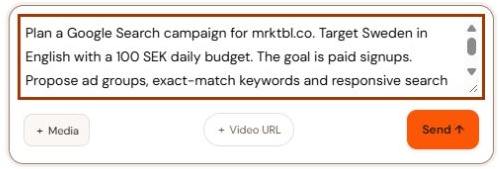
Brief the campaign
Give MRKTBL your website, service area, customer and desired conversion. For an emergency plumbing business, a useful brief distinguishes booked callouts from general enquiries.
Review the draft
Check ad groups, keywords, negative keyword suggestions, ad copy, destination pages and daily budget. Confirm the business can serve each location and that conversion tracking measures the right result.
Read the results
Use authorized, connected campaign data to review spend and conversion performance. If spend is rising while qualified enquiries are flat, inspect the search terms and lead quality before changing bids or budgets.
You can plan before connecting an account. Account reporting requires access to a supported Google Ads account. Live actions depend on permissions, campaign type, and explicit review and approval.